
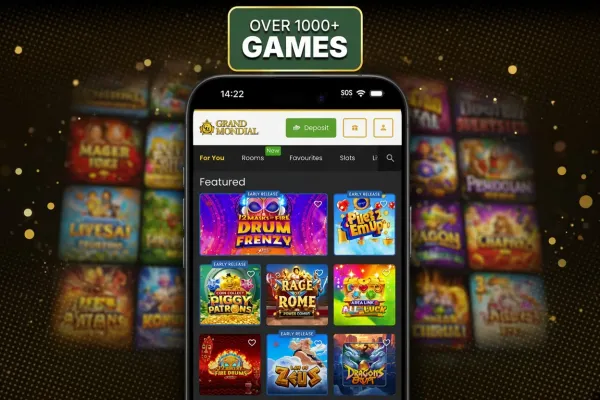

Grand Mondial Casino has no iPhone app, so on an iPhone you play through the mobile site in Safari. The mobile site runs in the browser and needs no download, so there is nothing to install on the phone.
Grand Mondial Casino does offer an Android app for Android phones. The browser is the route for iPhone users, and the steps for opening the site are shown above this text. Live casino is part of Grand Mondial Casino's range, so check that the table you want is open before you join it.
What you can do on the phone

You reach Grand Mondial Casino on an iPhone through Safari, so logging in, opening games and playing all happen in the browser. The mobile version page covers the same route in more detail.
Compared with a computer, the screen is smaller, so read the bet controls and the game information before you confirm a bet. Take a moment to check the rules of a game before you start, because a small screen shows less at once.
Live casino tables have their own minimum and maximum bets. Check them before you join, since they are easier to miss on a phone screen.
Where a game shows its return to player figure, remember it is a long-run average across many rounds, not a prediction for your session. Each round is random, and the result of one spin does not depend on how fast you tap.
Play needs an internet connection, so there is no offline play. A weak signal can interrupt a round, and that matters most in live games where a dealer is in progress.
Playing in Safari instead of an app
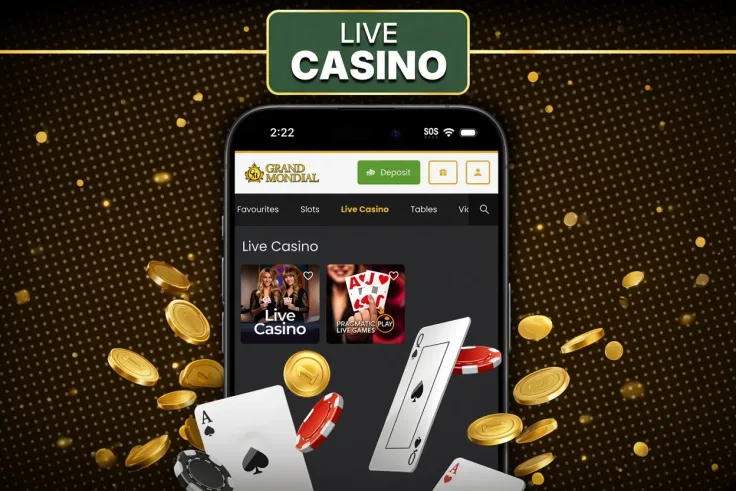
There is nothing to find or install for iPhone, because Grand Mondial Casino offers no iPhone app. Open the mobile site in Safari each time you play. If you visit often, bookmark the site so it is one tap away.
If an iPhone app claiming to be Grand Mondial Casino appears in the App Store, do not install it, because Grand Mondial Casino does not offer one for iPhone.
Browser play loads the site each time you open it, so allow a few seconds on a slow connection. Close tabs you no longer use to keep Safari responsive, and check your signal before a live session.
If a page does not load, check your connection, reload the page and try again a little later.
Security, data and limits on your phone

Protect the phone itself first. Set a passcode or Face ID, do not share the device, and log out when you finish on a shared phone. Avoid logging in on public Wi-Fi, and keep the phone's software up to date.
Mobile data is billed by your provider, and a long session can use a large part of a monthly allowance. Check your plan before you play, and use a Wi-Fi network you trust for longer sessions.
Before each session on the phone, go through this short list:
- check your connection and battery, so a session is not cut off mid-round;
- read the game information and bet controls before you confirm a bet;
- decide the time you will stop and keep to it;
- log out when you finish, especially on a shared device.
Deposit limits, breaks and self-exclusion are available, and the safer gambling page explains them. Use the login page in Safari, and do not store your password in a note or message on the phone.